
How do virtual cards work?
A virtual card is a card number you create on screen instead of a piece of plastic. It is funded by your prepaid wallet, capped to a limit you set, and ready to use online, in apps, or in a store through Apple or Google Wallet. Here is what the number actually is, how a payment moves from swipe to settlement, and which controls you can set on each card.
VirtualCardMaker.com, powered by Zil Money, is a financial technology company, not a bank. Banking and money movement services are provided through partner financial institutions and licensed service providers. FDIC insurance coverage applies only to eligible deposit products and accounts, and is subject to applicable terms, conditions, limitations, and requirements. Additional information regarding partner institutions, products, and services is available in the applicable terms and agreements.









Read summarized version with:
A virtual card is a card number issued on screen from your prepaid wallet balance, with a set limit and rules. It carries a 16-digit number, an expiration date, and a CVV that run on the Visa network, but there is no plastic. You use it online, in apps, or in a store by adding it to Apple Wallet or Google Wallet and tapping to pay where contactless is accepted. When you charge it, the amount is checked against the card's limit and your available wallet balance, then held and later settled. Because you set the limit and the locks up front, the card can only do what you allow.
Most people meet a virtual card without a plan. A subscription page offers one, or a finance team hands one out for a single vendor. The number works, the charge goes through, and the question shows up later: what is this thing, and where does the money actually come from?
Here is the short version, and then the mechanics. Below we walk through how a card is issued, what the number is, how a payment moves from charge to settlement, the controls you set, where it works, and how freezing and cancelling behave. If you only want the definition, the what is a virtual card page covers that. This article is about how the card runs.
How a virtual card is issued
A virtual card is created on screen when you click, not printed and mailed. You open Virtual Card Maker, name the card, set a limit, and it exists. There is nothing to wait for and nothing to activate by phone.
The part that surprises people is the funding. A virtual card here is funded from your prepaid wallet balance, not a credit line. That has two effects worth stating plainly:
- No credit check, wallet-funded. Because the card spends money you already hold in the wallet, there is no credit application to create it. Standard identity verification still applies to the business owner who opens the account.
- The card can only spend what is funded. A charge is checked against both the card's limit and your available wallet balance. If the balance is not there, the charge is not approved.
You can make one card for a single task or many at once. For a team, you can issue cards in bulk from an Excel file or through the API, each with its own limit and locks, so a large rollout does not mean building cards one at a time. The card is then emailed to the person, or added to their Apple or Google Wallet.
What the card number actually is
A virtual card is a real Visa card. The thing you create on screen has a 16-digit card number, an expiration date, and a CVV, the same three pieces of information any physical Visa carries. They run on the Visa network the same way. The only difference is there is no plastic in your pocket.
That is why a virtual card works anywhere a card number is accepted. A checkout form does not know or care whether the number came off a piece of plastic or off a screen. It sees a valid Visa number, an expiration, and a CVV, and it processes the charge. For the full side-by-side, see virtual card vs physical card; the rest of this article focuses on what the number does once it is presented.
One safety note that follows from this. Because the number is the card, you keep it inside your account and your phone wallet, not on a sticky note. We cover that in more depth in are virtual cards safe.
How a payment moves through a virtual card
This is the part the definition pages skip. When a virtual card is charged, the money does not simply leave your wallet in one step. It moves through a check, a hold, and then a settlement. Understanding those three moments is what makes the controls and the cancel behavior make sense.
Why authorization and settlement are two different things. Authorization is the yes-or-no moment at the counter. Settlement is when the merchant actually collects the money, which can come hours or days later. The gap between the two is small in daily life, but it matters for one thing: a charge that was already authorized can still settle even after you cancel the card. More on that below.
Some merchants authorize an estimated amount first, like fuel pumps, hotels, and car rentals, then settle a different final amount later, so leave a little headroom in your wallet balance.
The spend limit is deterministic. A charge over the limit cannot go over it, so the over-limit amount is declined at authorization. The merchant, category, location, and time locks are only as reliable as how each merchant is coded on the network. The rule fires every time, but merchants are sometimes mis-categorized, so an off-list charge can occasionally slip through. The spend limit always holds. Treat the locks as a strong filter, not a guarantee.
The controls you set on each card
A virtual card is only as useful as the rules you put on it. You set these before the first charge, and the card carries them with it. Each control closes a specific gap.
| Control | What it does | How it behaves |
|---|---|---|
| Spend limit | Caps the total the card can spend. | Deterministic. A charge cannot go over the limit. |
| Merchant or category lock | Allows only certain stores or types of merchant. | Declines off-list charges, based on supported controls. |
| Location | Restricts the card to a city or country. | Declines charges outside the area, where supported. |
| Time window | Allows charges only during set hours or days. | Declines charges outside the window, where supported. |
| Freeze | Pauses the card without closing it. | New charges are blocked until you turn it back on. |
| Cancel | Closes the card for good. | Stops new charges. Authorized charges may still settle. |
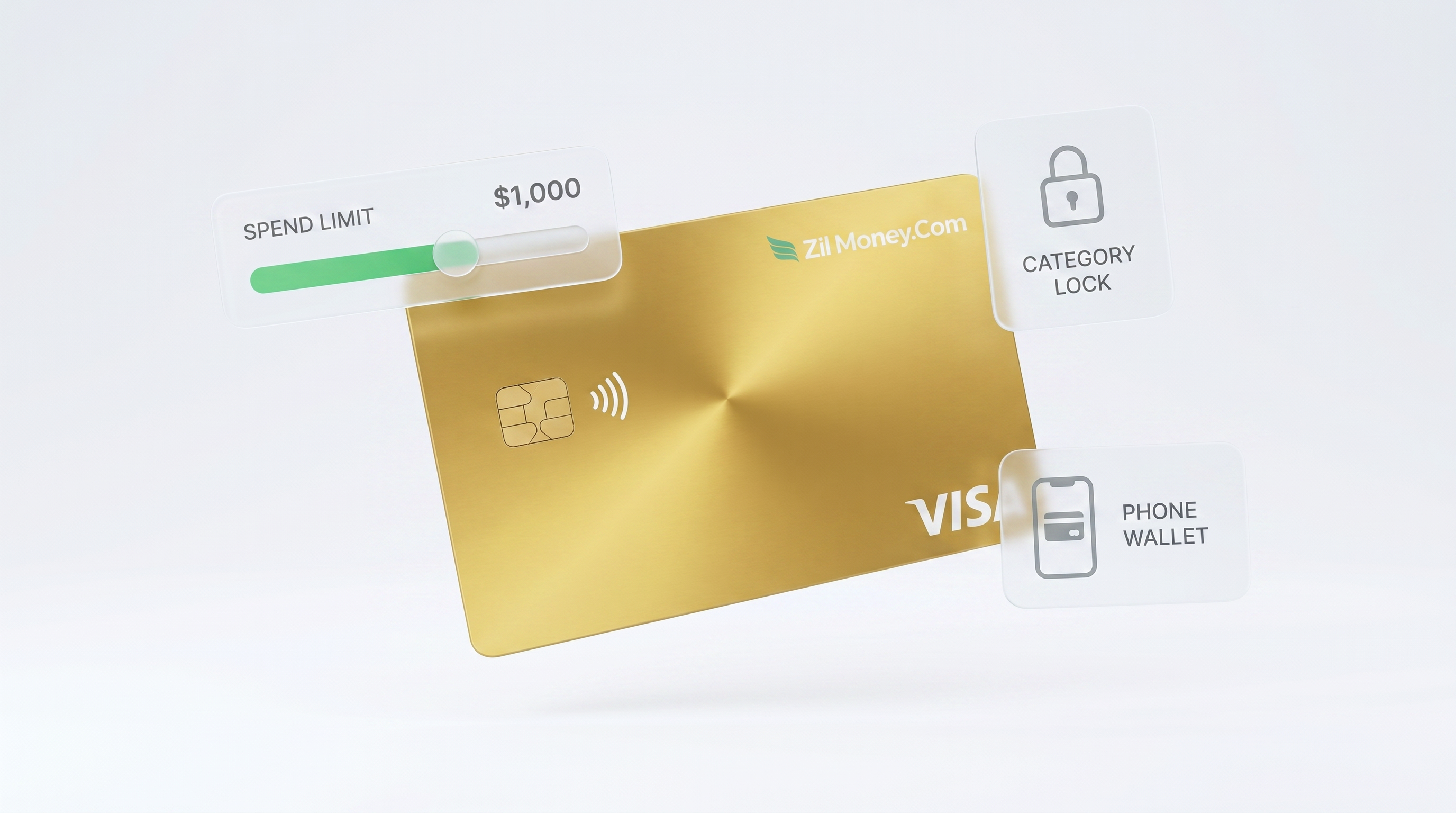
The spend limit and one-click freeze or cancel are on every card. The merchant, category, location, and time controls depend on what your card program and the Visa network support, so check which ones are active on your account before you rely on them. You can mix any combination per card: a vendor card might use a single-merchant lock and a fixed cap, while a travel card might use a category lock and a time window. The point is the same, the card can only do what the job needs.
Where a virtual card works
A virtual card works in three places, and the path is slightly different in each.
- Online. Type the card number, expiration, and CVV into any checkout that takes Visa. This is the most common use, from software subscriptions to supplier invoices.
- In apps. Add the card as a payment method in an app, or use it through a phone wallet, the same as you would any card.
- In stores. Add the card to Apple Wallet or Google Wallet and tap to pay at the counter where contactless is accepted. Where a counter does not take contactless, you can use the number, expiration, and CVV for a keyed or phone order.
The card is emailed to the person, or added to their Apple or Google Wallet. There is no app for a team to learn and no plastic to ship. For how this plays out across a business, see how a Visa virtual card works.
Freezing and cancelling a card
This is where the authorization-and-settlement split pays off. Two actions, two different jobs.
Freeze pauses the card. New charges are blocked, but the card still exists, so you can turn it back on later. Use it when you are not sure a card should be active right now, like a vendor card between billing cycles.
Cancel closes the card. New charges stop being approved on it. There is no plastic to recover and no shared number to rotate, so a card tied to a finished project or a departed employee is closed from your dashboard and that is the end of it.
Cancelling stops new charges, but pending charges still settle. A charge that was already authorized before you cancelled can still post and count against the limit, the way any card works. Cancel closes the door to new spending; it does not undo a charge the merchant already has the green light to collect.
How virtual cards work for business
For one person, a virtual card is a tidy way to pay online without exposing a main card. For a business, the same mechanics turn into a control system. The difference is volume and structure, not how the card runs.
Because each card carries its own limit and locks, and every charge stays tied to that one card, a business can give each vendor, project, employee, or department its own card. The spend report is already grouped by the time you look at it. You set custom limits per card, issue cards in bulk from an Excel file or the API, and freeze or cancel any one of them without touching the rest.
How the card is set
- Spend limit: set near the monthly bill, so an unexpected price jump is caught
- Merchant lock: the vendor only, if your program supports merchant controls
- Named for the vendor, so the charge history is the vendor's record
What happens
- Approved the monthly charge, within the limit and at the locked merchant. It posts to the vendor's card.
- Declined a charge above the limit. The over-limit amount cannot go over the cap, so it stops at authorization and you get a look before paying more.
- Declined a charge from a different merchant, where the merchant lock is on, so a leaked number cannot be spent elsewhere.
When the contract ends
Cancel the card from your dashboard and new charges stop. The card's history stays as the vendor's spend record. A charge already authorized before you cancelled can still settle.
This is the model behind virtual cards for small business and the broader picture in virtual cards for business payments. The mechanics on this page are the same ones doing the work at scale.
Related reading: Virtual Visa card: two different products share this name.
People also ask
Is a virtual card a real Visa card?
Where does the money come from on a virtual card?
What happens when I cancel a virtual card?
Can a virtual card be used in a physical store?
Can I set a spending limit on a virtual card?
How is a virtual card different from a physical card?
Issue a card with these rules on it.
Set the limit, restrict the merchant, choose the active window, and send the card. Every charge lands in one dashboard, already attributed.
Build one in Card StudioNext, on the same problem.
- Basics
How to add a virtual card to Apple Pay or Google Pay.
Your virtual Visa card has a 16-digit number, an expiration date, and a CVV, which means it can live in Apple Wallet or Google Wallet just like any other card. Add it once and tap to pay at any contactless terminal. No plastic required, and the spend limit you set on the card follows it wherever it is used.
June 20, 2026 · 7 min read - Basics
How to use a virtual card, online and in store.
A virtual card is a real Visa with a number, an expiration date, and a CVV, just no plastic. Type those details at an online checkout, save it to an account for a subscription, or add it to Apple Wallet or Google Wallet and tap your phone at the register. Refunds come back to the same card, and you can freeze or cancel it from your dashboard whenever you want.
June 17, 2026 · 8 min read - Basics
Why is my virtual card being declined? Here is what to check
Your employee is at the supply store and the card is declined. You are not there. Here are the five most common reasons a virtual card fails at the point of sale, in order of likelihood, plus what to do about each one so your team is not stuck at the counter.
June 24, 2026 · 11 min read
The next vendor gets its own Visa card.
Not the shared one. Its own number, its own ceiling, its own line in the ledger.