
Virtual card risk and compliance, the checklist finance leaders need before rollout.
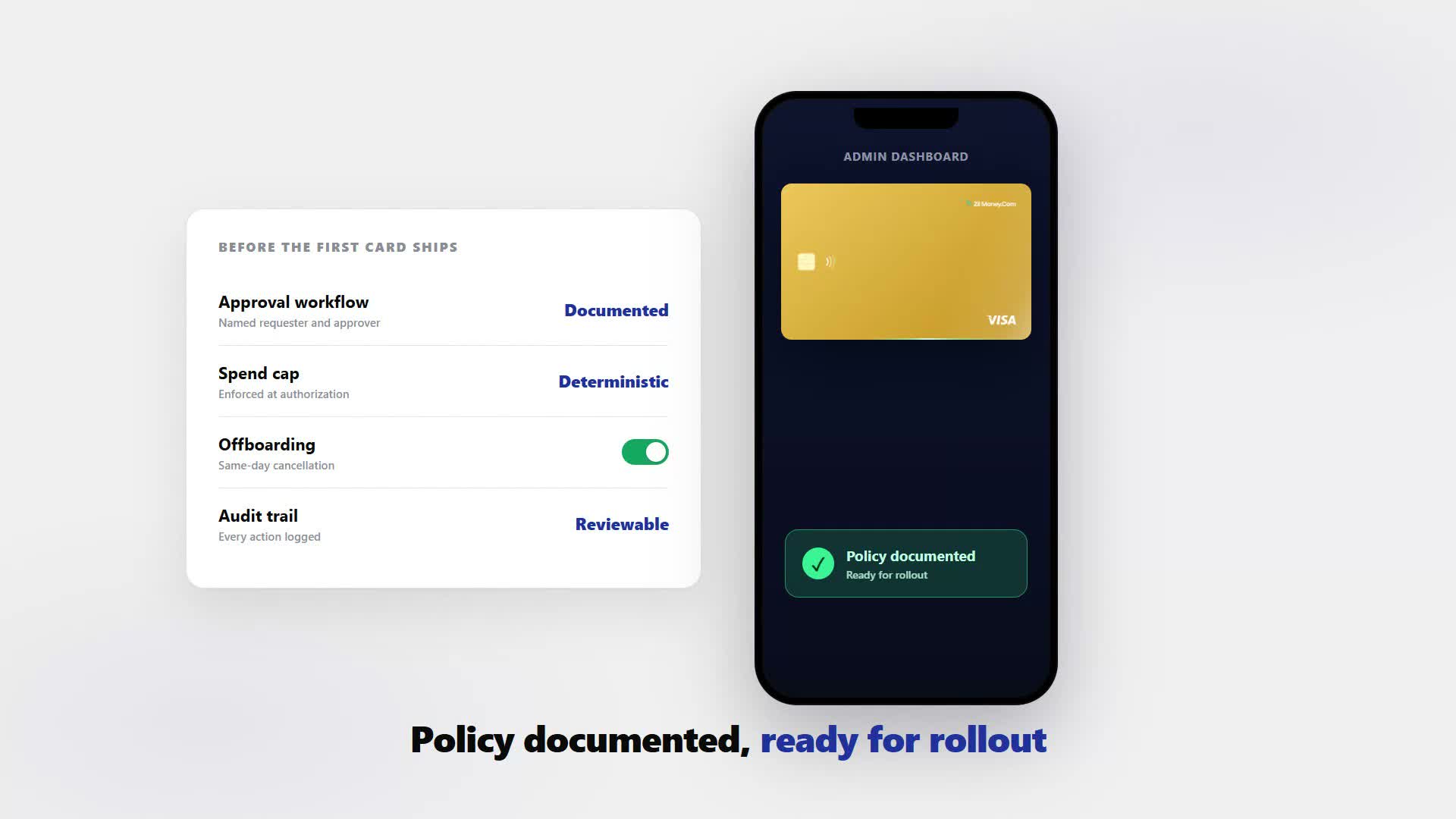
Issuing cards to a department is a governance decision, not just a payments one. Before the first card goes out, write down who approves it, what limit and lock policy it carries, how offboarding closes the door, how often you reconcile, and what audit trail proves who did what. This is the checklist to work from.
VirtualCardMaker.com, powered by Zil Money, is a financial technology company, not a bank. Banking and money movement services are provided through partner financial institutions and licensed service providers. FDIC insurance coverage applies only to eligible deposit products and accounts, and is subject to applicable terms, conditions, limitations, and requirements. Additional information regarding partner institutions, products, and services is available in the applicable terms and agreements.









Read summarized version with:
A virtual card risk and compliance program comes down to seven decisions made before the first card ships: who approves it, what limit and lock policy it carries, how offboarding cancels access, how often you reconcile, what audit trail proves who did what, and what access controls protect the platform itself. The card enforces the policy; you write it.
If you are a controller or finance lead rolling out virtual cards for business to a department or every manager at once, the technology is the easy part. Any card can be capped and canceled. The harder work is the policy behind it: who signs off on a new card, a limit that matches the actual budget, a lock policy that is honest about what it can and cannot guarantee, and an offboarding sequence that closes access the day someone leaves without pretending a pending charge disappears with it. This guide walks through that policy layer, then works one exit through it end to end. For the reader-facing version of "is this safe," see our separate piece on whether virtual cards are safe; this one is written for the person who signs off on the program.
The seven-item checklist to confirm before rollout
Before virtual cards go out to more than one or two people, confirm these seven items exist in writing, not just in someone's head. None of them is complicated on its own. The failures happen when a company skips straight to issuing cards and only writes the policy down after something goes wrong.
Who should approve a new card request
Put one named owner on the approval, typically the controller or the finance lead, and keep it separate from the person requesting the card. A department head asking for a card for a new hire should not be the same person clicking issue. That single separation is what makes the audit trail mean something later: an auditor can see that every card traces back to a documented approval, not to whoever happened to have access that day.
Keep the approval step lightweight so it does not become the thing people route around. A short form or ticket capturing who the card is for, the requested limit, and the business reason is enough. What matters is that the step exists every time, not that it is elaborate.
Setting a limit and lock policy you can defend
Start with the spend cap, because it is the control that actually holds. Set it to the role's real budget, monthly or per project, and any charge above that cap is declined at authorization. That is the rule you can point to in a review and say it worked exactly as designed. Part of why the cap holds so cleanly is the funding model: these cards are funded from a company wallet rather than an underwritten credit line, so the cap is a ceiling on what can move out of that wallet, not a credit limit a processor could extend or override.
Where the merchant's processor supports it, you can add a merchant, category, location, or time lock behind the cap. Be precise with your finance team and your auditors about what these do. The table below separates what is deterministic from what is a strong second layer.
| Control | Type | What it's designed to do | What to pair it with |
|---|---|---|---|
| Spend cap | Deterministic | Blocks any charge over the limit at authorization. | Set it to the real budget, review it when the role changes. |
| Merchant or category lock | Probabilistic, where supported | Narrows the card to a coded category when the acquirer passes clean data. | Treat as a second layer, not the control you would defend on its own. |
| Location lock | Probabilistic, where supported | Restricts use by geography when location data is passed through. | Back it with the cap, never in place of it. |
| Time window lock | Probabilistic, where supported | Limits when the card can authorize a charge. | Useful for contractors or seasonal roles with a defined window. |
| Freeze or cancel | Immediate for new charges | Stops any future authorization from clearing. | Does not reverse a charge already authorized. See offboarding below. |
Write the limit and lock policy down by role, not by individual, so a new department head inherits the same rule the last one had. That is what turns a one-off decision into a program.
Seeing transaction activity as it happens
Yes. Transaction activity shows in the dashboard as charges authorize, broken out by cardholder and by card, so you can review spend by department without waiting for a statement or a manual pull from anyone holding a card. That live view is what makes the approval workflow, the limit and lock policy, and the reconciliation cadence workable in practice: each one only holds up if someone can actually see whether it is being followed.
Use that visibility as a standing habit, not just an audit-time lookup. A short weekly glance at activity by department catches a limit that is quietly too loose long before month-end reconciliation would.
Building an offboarding process that actually closes the door
Canceling a card stops new charges immediately; it does not reverse a charge that already authorized before the cancellation. Offboarding is where most card programs get the timing wrong, and it matters most to a finance leader because it touches both control and reconciliation. The process itself is simple: the day HR confirms a departure, finance cancels that person's card.
A charge already authorized before you canceled the card, a subscription renewal that ran the day before, can still settle afterward and will still count against that card's activity for the period. That is not a control failure; it is how authorization and settlement work. A documented offboarding process should say so explicitly, so whoever reconciles the account is not surprised by a charge landing on a card that is already closed.
Worth flagging on its own line, since it's the most common offboarding mistake: that one settlement landing after cancellation is expected, not a sign the control failed. Reconcile it and move on, rather than treating it as something to chase down.
A real example: closing out a departed employee's card
Here is how that plays out on an actual rollout. Marlow Logistics has 40 employees and issued virtual cards to its eight department heads, each with a documented limit and lock policy that James Carter, the company's controller, approved before any card went live.
The policy on paper
- Approval: James Carter, Controller, signs off on every new card before it is issued
- Limit: $2,000 per month per department head card, tied to that department's discretionary budget
- Lock: category lock to office supplies and software, where the merchant's processor supports it, as a second layer behind the cap
- Offboarding: HR notifies Finance the same day a departure is confirmed; Finance cancels the card that business day
- Reconciliation: monthly, matched against settled activity and receipts
What happened on her last day
- Canceled Priya Shah, Marketing Director, gave notice with a Friday last day. HR flagged the departure to Finance that morning, and James canceled her card before noon.
- Still settled A software subscription had authorized against her card the day before the cancellation. That charge settled two days later and counted against her card's activity for the month, even though the card itself had already been closed.
Why the policy held
Because the policy anticipated exactly this settlement lag, Finance filed the later charge as expected instead of a control failure. No new charge cleared on the canceled card after the Friday cutoff, and the card stayed closed for good.
Setting a reconciliation cadence that holds
Pick a cadence and stick to it, monthly tied to your close, or per pay cycle. Reconcile against settled activity, never against the cap, since the cap only tells you the ceiling, not what actually cleared.
Add one specific step for any card canceled during the period: pull its settled activity separately and confirm nothing landed after the offboarding date except a transaction already pending at cancellation. That check keeps an offboarding event from turning into a reconciliation mystery weeks later.
What counts as an audit trail for a card program
An audit trail for a card program is a record of four things: who approved the card, who issued it and with what limit and lock, what settled against it over time, and what receipt backs each charge. Issuance, limit changes, and cancellations should all show against the account that made them, alongside the settled transaction history, so you can reconstruct the full life of any card without asking around.
That record is what an auditor or a new finance hire will actually use. If every card traces back to a named approver, a documented limit, and a receipt, the program holds up under review without anyone having to remember the reasoning months later.
Mistakes that undermine a card compliance program
Merchant, category, location, and time locks are a second layer, not a guarantee. Only the spend cap is deterministic. Set the cap to the real budget as your primary control, and treat the other locks, where supported, as a backup rather than the thing you would defend in an audit on its own.
Skipping the approval step for the sake of speed undermines everything else on this list. Letting a department head issue their own team's cards without a separate sign-off removes the one thing that makes the audit trail credible later. Keep the approver and the requester as two different people.
People also ask
What happens when an employee with a card leaves the company?
Can I see every transaction in real time?
Who should approve new card requests?
How does reconciliation work at month-end?
Is there an audit trail for every card action?
Issue a card with these rules on it.
Set the limit, restrict the merchant, choose the active window, and send the card. Every charge lands in one dashboard, already attributed.
Build one in Card StudioNext, on the same problem.
- Basics
How to add a virtual card to Apple Pay or Google Pay.
Your virtual Visa card has a 16-digit number, an expiration date, and a CVV, which means it can live in Apple Wallet or Google Wallet just like any other card. Add it once and tap to pay at any contactless terminal. No plastic required, and the spend limit you set on the card follows it wherever it is used.
June 20, 2026 · 7 min read - Basics
How to shop online safely with a virtual card.
Every store you buy from keeps your card number, and some get breached. Use a dedicated virtual Visa for each store instead. Cap it to the order, restrict it to that merchant, and cancel it after the purchase, so a leaked number is already a dead number. Here is the full step-by-step.
May 28, 2026 · 8 min read - Basics
Why is my virtual card being declined? Here is what to check
Your employee is at the supply store and the card is declined. You are not there. Here are the five most common reasons a virtual card fails at the point of sale, in order of likelihood, plus what to do about each one so your team is not stuck at the counter.
June 24, 2026 · 11 min read
The next vendor gets its own Visa card.
Not the shared one. Its own number, its own ceiling, its own line in the ledger.