
How to pay staff who don't have a bank account.
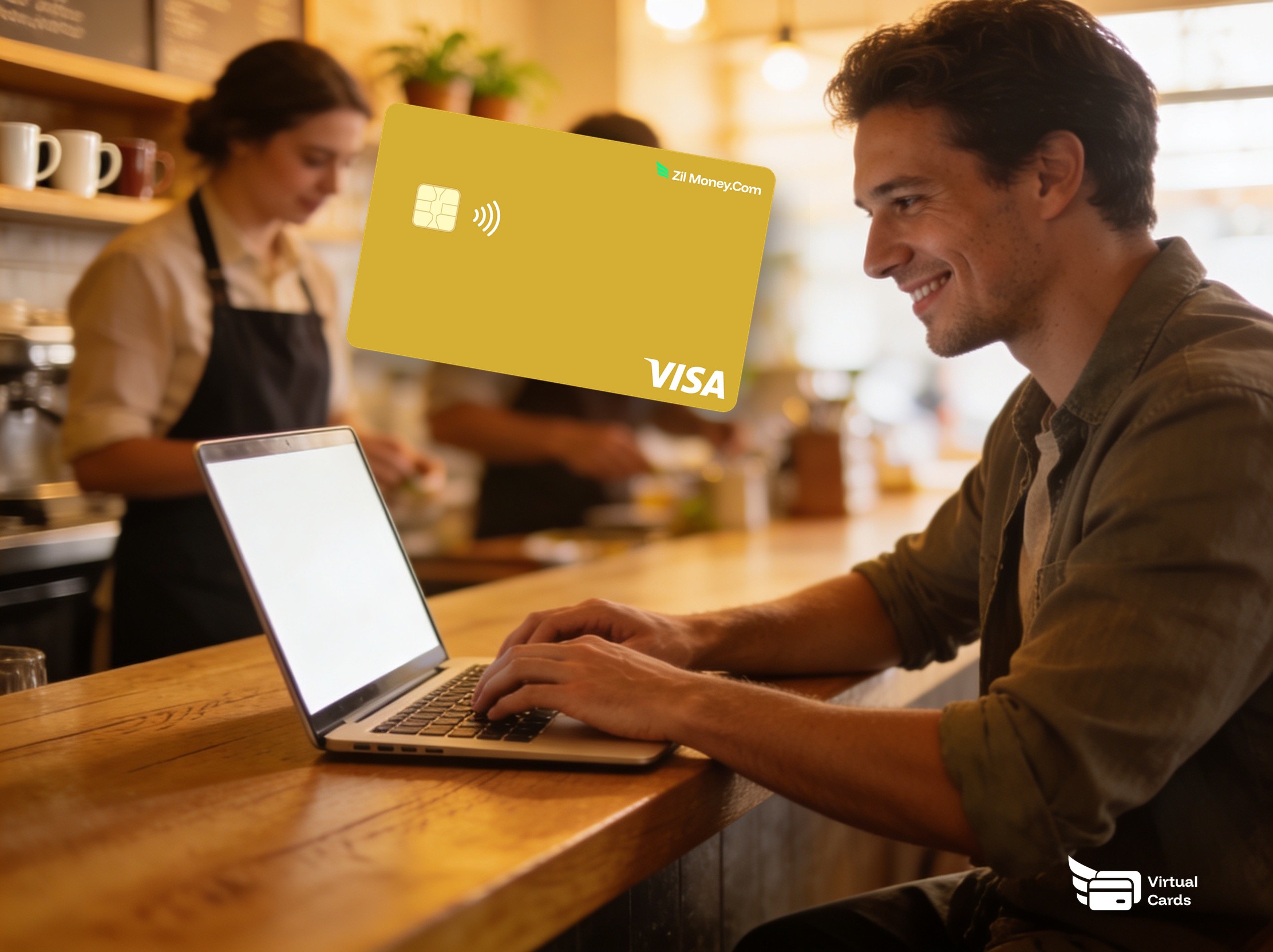
Pay every worker on the same rail, even the ones without a bank account. A virtual payroll Visa funded from your wallet shows up in the recipient's email and spends anywhere Visa is accepted. On the worker side, that typically means no routing number, no check to cash, and no separate payment app account to register, subject to eligibility and verification.
VirtualCardMaker.com, powered by Zil Money, is a financial technology company, not a bank. Banking and money movement services are provided through partner financial institutions and licensed service providers. FDIC insurance coverage applies only to eligible deposit products and accounts, and is subject to applicable terms, conditions, limitations, and requirements. Additional information regarding partner institutions, products, and services is available in the applicable terms and agreements.









Read summarized version with:
Why virtual payroll cards fit unbanked and 1099 workers
Millions of U.S. workers don't have a checking account, and many more rely on cash-heavy alternatives outside the regular banking system. For employers, that's a hiring problem and a retention problem. A new hire who can't open a checking account this week can't take direct deposit, which means a printed check, which means a payday delay, which is where retention breaks.
A virtual payroll Visa skips the bank. The worker doesn't need a routing number. They need an email. The pay lands on a card that spends anywhere Visa is accepted, including Apple Wallet and Google Wallet. They can withdraw cash at any Visa-network ATM. Same payday for everyone.
Three things stop happening the day you switch:
- The check-pickup loop. No more “your check's ready, come by HR.” The card arrives by email at payroll cutoff.
- The unbanked retention gap. A worker without a bank account isn't stuck waiting on a paper check while everyone else gets direct deposit.
- Mixed rails for one team. W-2s, tipped staff, and 1099 contractors all clear on the same card flow. One process for the payroll lead.
What a virtual payroll Visa actually is
A virtual payroll Visa is a real Visa card delivered to the worker by email. It has a 16-digit number, expiry, and CVV. The worker can spend it anywhere Visa is accepted, add it to a mobile wallet for tap-to-pay, or use it at a Visa-network ATM to take out cash.
From your side, each payroll card has a name, a balance, and a transaction history. You can top it up next payday or close it when the worker leaves. The card is funded from your wallet, so there's no float, no waiting on ACH cutoff, and no payroll-day “the bank moved” surprises.
The card is the pay. For most workers that means no routing number, no check to cash, and no separate payments app to register. The worker spends it anywhere Visa is accepted, including taking out cash at an ATM.
How to pay a worker without a bank account in four steps
This is the full workflow. Setting up the first card is straightforward, and every paycheck after that is much faster.
- Confirm the worker's correct email and pay amount.
Use the same email and amount you'd use for direct deposit. For new hires, capture the email at onboarding so the first paycheck doesn't depend on a paper check.
- Issue a virtual payroll Visa.
Name the card after the worker. Set the amount equal to net pay. Pick “payroll” as the card type so reporting routes correctly. You can start using the card once it is created and activated, subject to standard verification and network conditions.
- Deliver to the worker's inbox.
The card details land in the worker's email. They can add it to Apple Wallet or Google Wallet for tap-to-pay, or use the number directly online. For ATM cash, the card uses any Visa-network ATM.
- Top up next payday.
For ongoing payroll, top up the same card each cycle so the worker keeps one card across paychecks. For one-off tip pools or 1099 milestones, issue a fresh card each time.
Pay an unbanked worker on the same day as everyone else.
Sign-up is quick. Your first payroll card can be in the worker's inbox without delay.
Payday for unbanked workers: with cards vs without
The change isn't the dollar amount. It's whether the worker waits two days for a bank-less workaround. Here's the side-by-side.
Paper check, check-cashing fees, two-day delay.
- Worker waits for a printed check, often picked up in person.
- Check-cashing services take a slice off the top.
- Tipped staff wait until next business day for last night's tips.
- 1099 contractors share bank details that the employer then has to store.
- Onboarding stalls on workers who can't open an account this week.
Card by email at cutoff. Tap-to-pay or ATM cash, same day.
- Card arrives in the inbox at payroll cutoff alongside direct-deposit workers.
- No check-cashing fees. The card is spendable directly.
- Tipped staff can be funded nightly, in time for morning expenses.
- No bank details exchanged. The worker only shares an email.
- New hires get paid on day one regardless of bank status.
Three workforce moments where virtual payroll cards pay off
The wins aren't exotic. They're the specific moments where the old rail breaks. Here are three.
The new hire whose account application is “under review”
A new hire starts on Monday. They applied for a checking account on Friday. The bank says “under review” for another two weeks. With a paper check, the first paycheck is a logistics problem. With a virtual payroll Visa, the worker gets paid on cutoff Friday the same way everyone else does. The account opens later. Payroll doesn't wait.
The tipped server's shift-end tips
A restaurant's servers earn $80 to $200 a night in pooled tips. Checks the next day mean tipped staff effectively wait. Daily tip cards funded at close-of-shift mean the server walks home with the night's earnings on a Visa they can use at any pharmacy, gas station, or ATM on the way.
The 1099 contractor whose bank account is in another country
A 1099 contractor finishes a project. International wires are slow and expensive. They're happy to be paid on a Visa they can use at home. You send a virtual payroll Visa, they spend it locally, no wire fees, no FX markup on your side.
Payroll on virtual cards, tax and compliance unchanged
The card changes the delivery method, not the tax treatment. W-2 employees are still W-2 employees. The amount on the card is gross or net depending on how your payroll system handles it - if your payroll runs gross pay and withholds taxes before disbursement, the card carries net pay. The W-2 reports the same wages and withholdings as direct deposit would.
For 1099 contractors, the IRS reporting threshold still applies and the 1099-NEC is filed on the same schedule. The per-card transaction history makes that filing easier, since every contractor's pay sits on its own card with its own statement.
State wage laws still apply. Some states require employee consent before paying on a payroll card and require equivalent access to the full wages without fees. The virtual Visa fits inside those rules in most states because spending the card is free at any Visa merchant, but verify your state's specific requirements before rolling this out to W-2 staff.
What the worker sees, and why it changes retention
The biggest worry employers raise is whether workers will feel like they're being paid “differently.” In practice the opposite happens. The worker without a bank account has spent years dealing with check-cashing fees and a longer payday cycle. A virtual Visa removes both. They get paid on the same day as the rest of the team and they don't pay a service to access their wages.
Pay your first unbanked worker this afternoon
Pick one worker. A new hire on a delayed account application is the right first card.
- Sign up. Create an account at Virtual Card Maker. Sign-up is quick.
- Add funds. Load this week's net pay for the worker. You don't have to prefund the whole month.
- Issue the card. Name it after the worker. Choose payroll as the card type so reporting routes correctly.
- Send the card. Details land in the worker's inbox. They add it to a mobile wallet or use the number directly.
- Top up next cycle. Same card, next paycheck. The worker keeps one card across paychecks.
One worker, one card, one payday cycle. Most teams test on the workers who most need it, then expand to the whole team.
Related reading: How to give seasonal employees a company card without the HR Paperwork.
Frequently asked questions
How do virtual payroll cards work for unbanked workers?
Does this change W-2 or 1099 reporting?
Are there state-law issues with paying employees on a card?
Can workers get cash from a virtual payroll card?
Can I top up the same card each payday?
Can I issue many payroll cards at once?
Issue a card with these rules on it.
Set the limit, restrict the merchant, choose the active window, and send the card. Every charge lands in one dashboard, already attributed.
Build one in Card StudioNext, on the same problem.
- Employee cards
How to give seasonal employees a company card without the HR Paperwork
You hire 10 people for summer. Maybe a landscaping crew, a seasonal retail staff, or a catering team. They need to buy supplies, fuel, or job-site items on the go. Setting up a corporate card for each one is too much paperwork. Cash does not scale. A temporary virtual card for each person solves it: set a cap, lock it to what they need, and cancel every card at the end of the season from one dashboard.
June 24, 2026 · 10 min read - Employee cards
Expense Cards for Contract Employees: Issue Cards Without the Payroll Paperwork
You can issue each 1099 contractor a virtual Visa expense card, set the exact spending limit, lock it to the right merchant categories, and email it directly. No payroll setup required, no bank account needed on their end, and no credit check on your business.
June 25, 2026 · 11 min read - Employee cards
How to give a new employee a company card you stay in control of.
The old way is handing a new hire your personal card and hoping. The better way is a virtual Visa card created before their first day, capped to what their role actually needs, locked to the right category where supported, and emailed directly. They add it to their phone, spend what the job needs, and you see every charge in your dashboard. When they leave, you cancel it from wherever you are.
June 20, 2026 · 8 min read
The next vendor gets its own Visa card.
Not the shared one. Its own number, its own ceiling, its own line in the ledger.