
Can you use a virtual card in a store?
A virtual card is built for online checkout, but you can also pay in person at most stores by adding it to a phone wallet. Here is when that works and when it does not.
VirtualCardMaker.com, powered by Zil Money, is a financial technology company, not a bank. Banking and money movement services are provided through partner financial institutions and licensed service providers. FDIC insurance coverage applies only to eligible deposit products and accounts, and is subject to applicable terms, conditions, limitations, and requirements. Additional information regarding partner institutions, products, and services is available in the applicable terms and agreements.









Read summarized version with:
Can a virtual card work in a physical store?
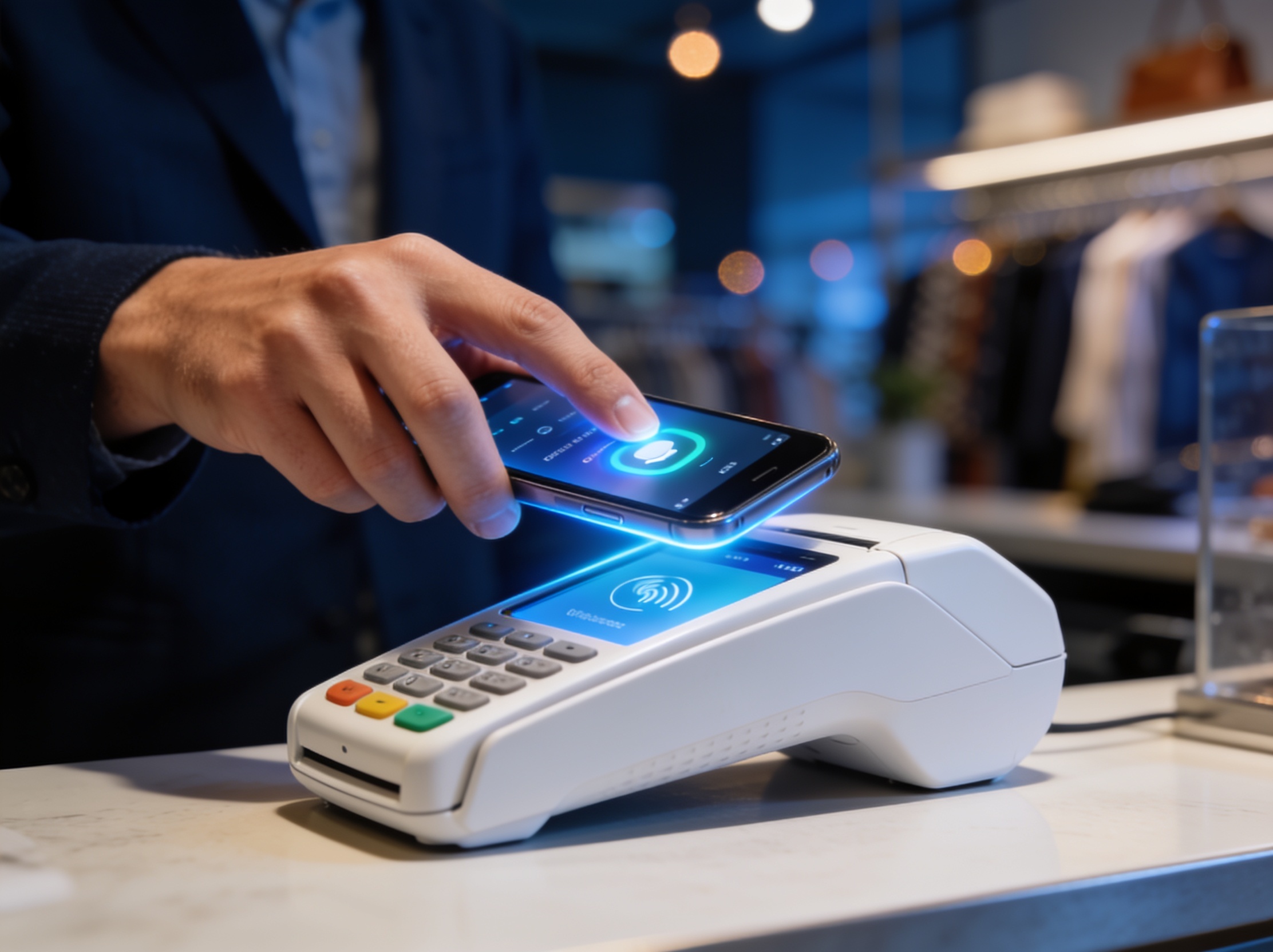
Yes, in most stores, with one step in between. A virtual card has no plastic, so a checkout clerk cannot swipe it. To pay in person, you add the card to a phone wallet where available, then tap your phone at the reader.
Any store that accepts contactless Visa payments can take the card that way.
How to pay in store with a virtual card
The path is short, and it mirrors how to use a virtual card online once the card is in your wallet:
- Create the card and open it in your dashboard.
- Add it to a phone wallet where available.
- At the counter, hold your phone to the contactless reader.
- The charge appears in your dashboard like any other.
Where an in-store virtual card may not work
A few card-present situations still expect a physical card or place a hold you should plan for:
- Fuel pumps and some unattended kiosks that read the chip directly.
- Hotel or rental desks that pre-authorize a deposit on a card.
- Older terminals that do not accept contactless or wallet taps.
Adding your card to a phone wallet
Wallet support lets your phone stand in for the plastic. Where it is available, you add the virtual card to the wallet app, and the phone presents it at the reader.
Because the tap uses a device token rather than the raw number, the cashier never sees your card details.
When to use the card online instead
For most purchases the card is simplest online, where you type the number into checkout. Keep a virtual card for subscriptions, one-off vendors, and any site where you would rather not share your main card number. Save the in-store tap for the times you are at the counter without your usual card.
Related reading: The virtual card market: size, growth, and the road to 2029.
People also ask
Can you use a virtual card in a physical store?
How do I use a virtual card in person?
Can I use a virtual card without a phone wallet?
Why was my virtual card declined in a store?
Can I use a virtual card at a gas pump?
Does an in-store virtual card payment show in my dashboard?
Issue a card with these rules on it.
Set the limit, restrict the merchant, choose the active window, and send the card. Every charge lands in one dashboard, already attributed.
Build one in Card StudioNext, on the same problem.
- Basics
How to use a virtual card, online and in store.
A virtual card is a real Visa with a number, an expiration date, and a CVV, just no plastic. Type those details at an online checkout, save it to an account for a subscription, or add it to Apple Wallet or Google Wallet and tap your phone at the register. Refunds come back to the same card, and you can freeze or cancel it from your dashboard whenever you want.
June 17, 2026 · 8 min read - Basics
How to freeze a virtual card without cancelling it.
A frozen virtual card blocks every new purchase the moment you toggle it off, but the card number stays alive, the transaction history stays intact, and you can reactivate it in seconds when you are ready. Here is when to freeze instead of cancel, what happens to charges that were already approved, and the one situation where you should cancel instead of pause.
June 20, 2026 · 6 min read - Basics
What happens when a virtual card payment is disputed or flagged as fraud
A charge on the statement looks unfamiliar, or a vendor bills the wrong amount. Here is the general shape of the process: what to check before you assume the worst, how to freeze the card the right way, and what a card network review can and cannot promise once you report it.
July 1, 2026 · 8 min read
The next vendor gets its own Visa card.
Not the shared one. Its own number, its own ceiling, its own line in the ledger.